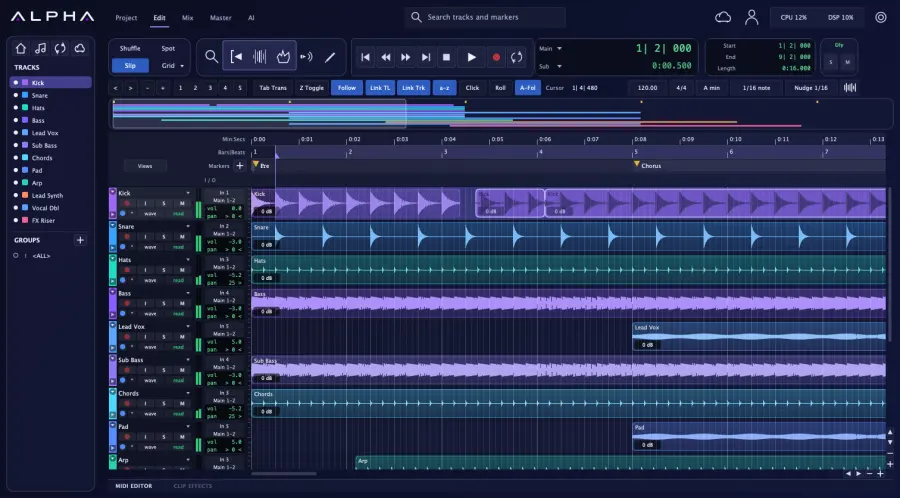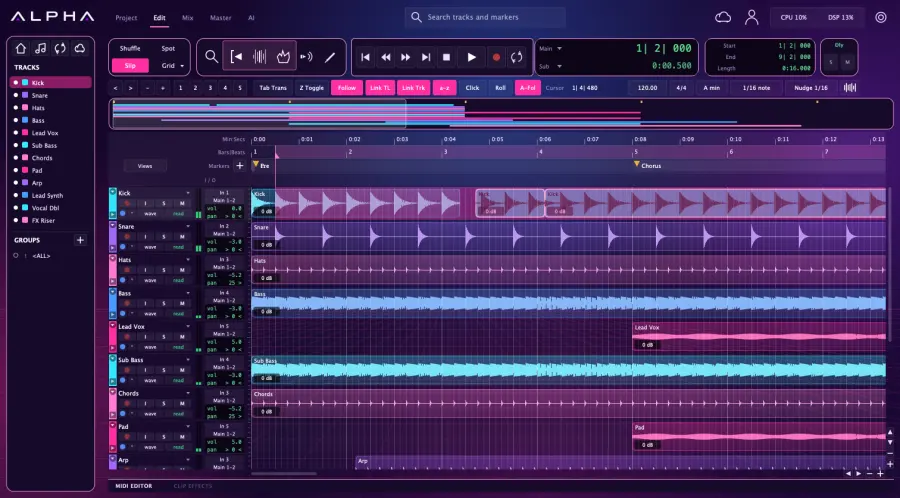
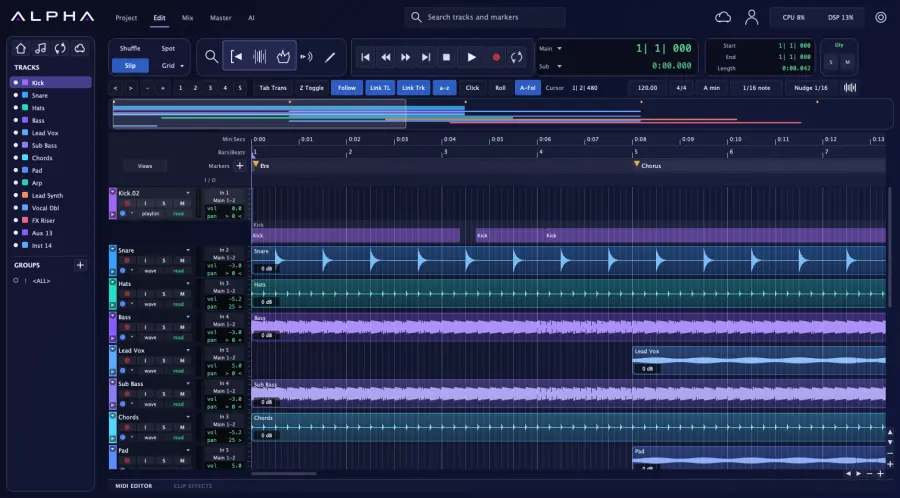
Comp the perfect take
Loop record into playlists, QuickPunch, clip gain, Tab to Transient and a full tempo map.
 Get early access
DAW. Plug-ins. And now, AI.
ALPHA is a professional music studio with AI built into it. Start from a sentence, your lyrics or your own voice, and finish with a mastered mix, all in one clean, simple app.
Coming to Mac first. The core studio is planned to be free.
How it works
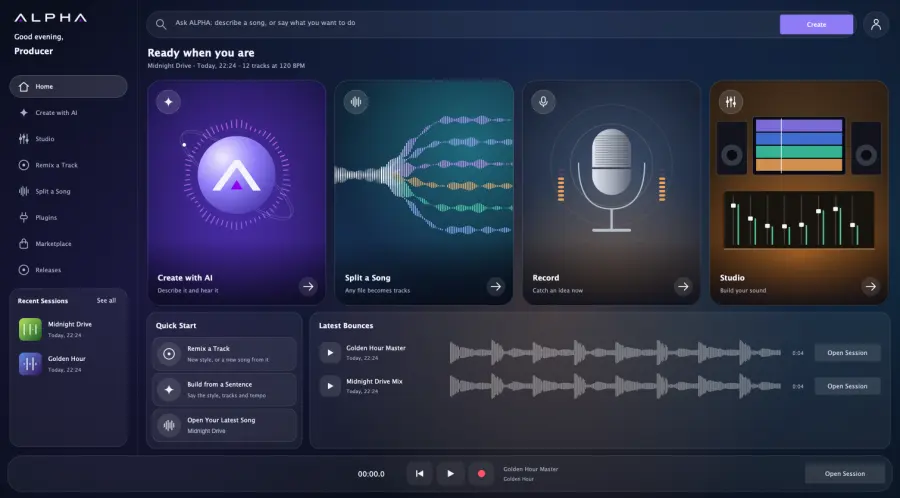
Type what you hear. Paste your lyrics. Bring a song you want to rebuild. There is no blank page and no template to fight with.
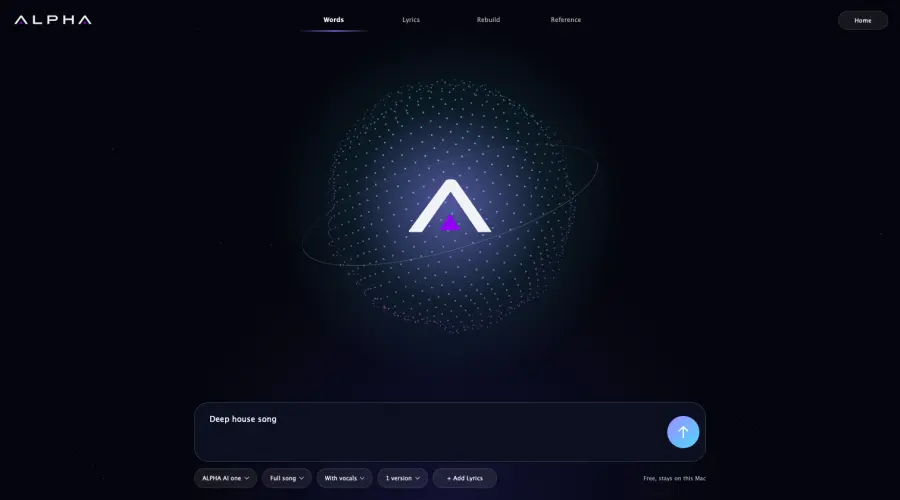
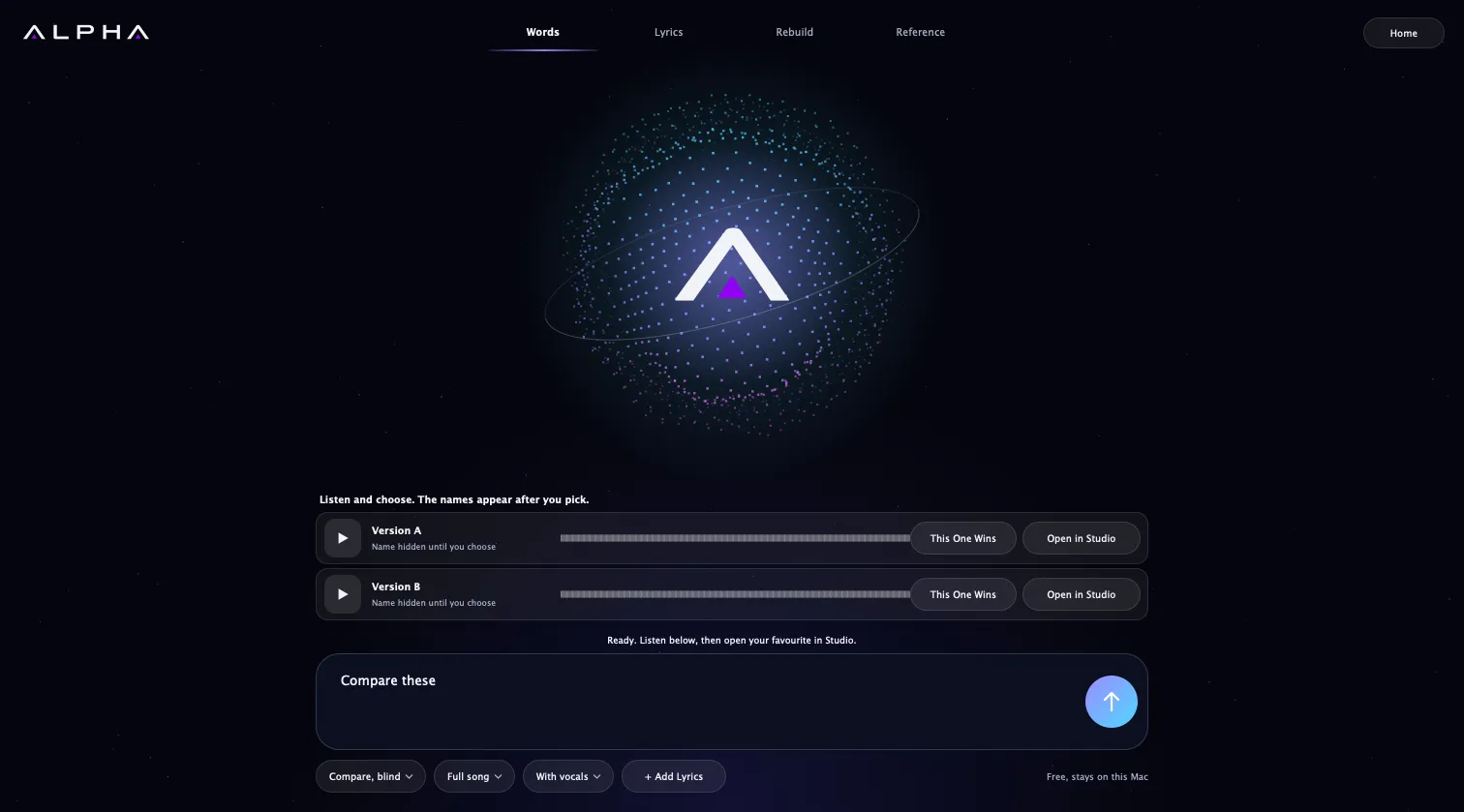
ALPHA AI makes full versions for you to compare. Listen blind, choose with your ears, and keep the one that wins.
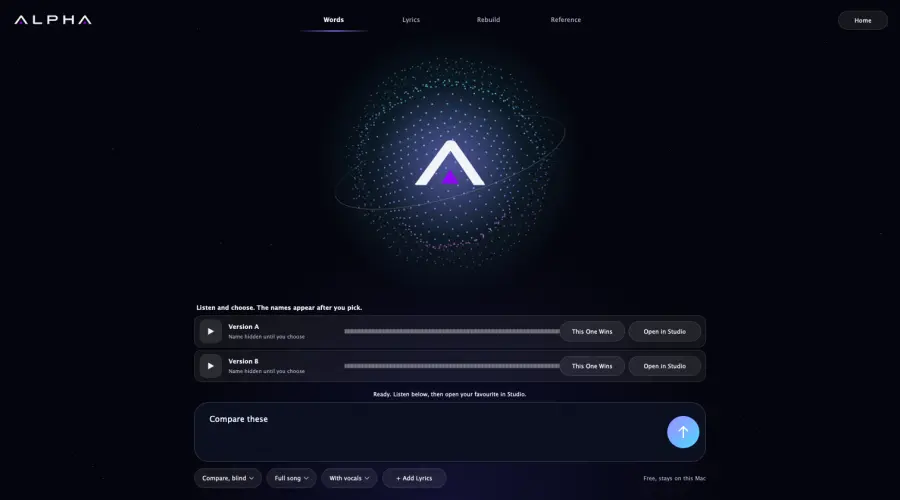
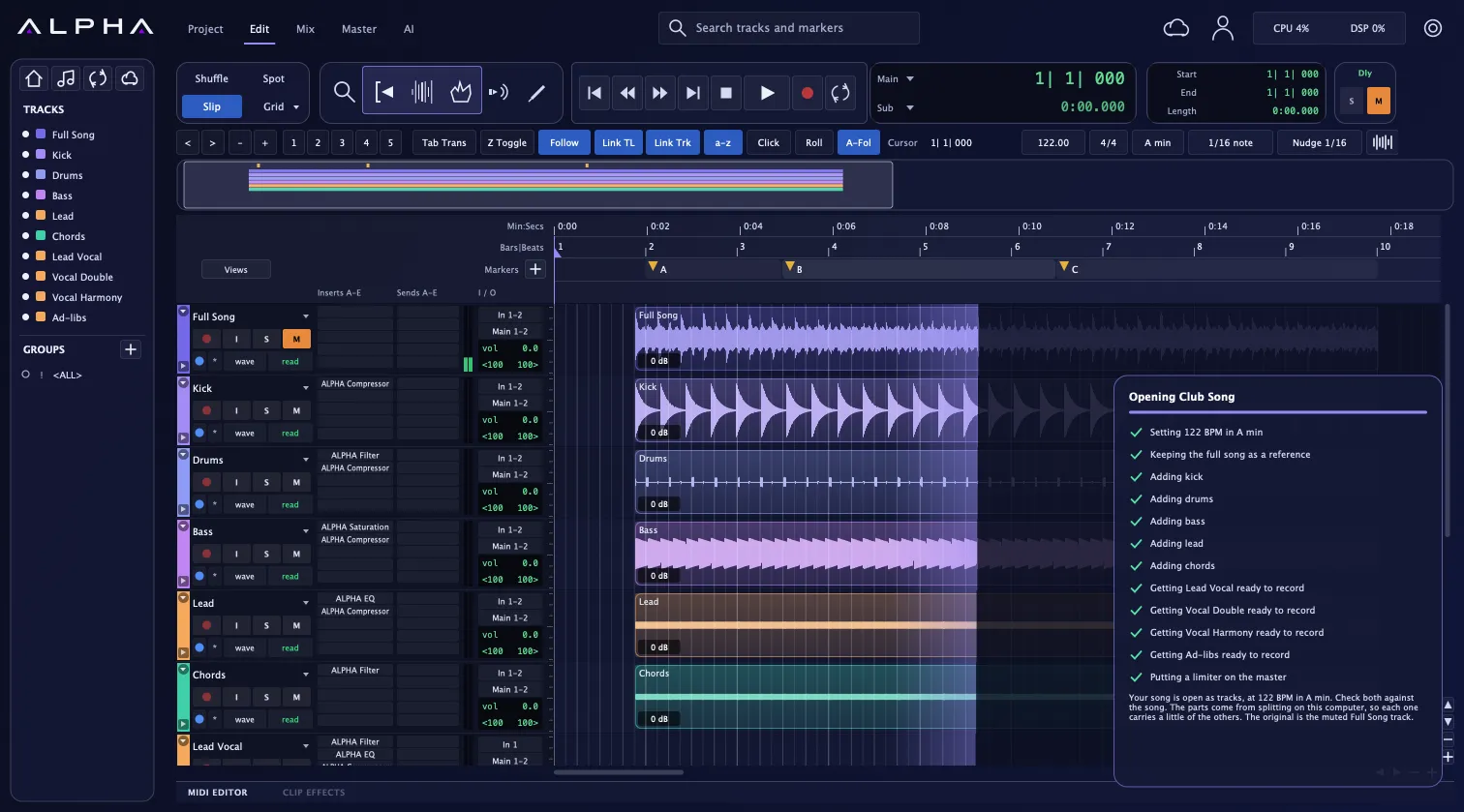
One click turns a finished song into a real session with separate parts. Now you can change the bass without touching the vocal.
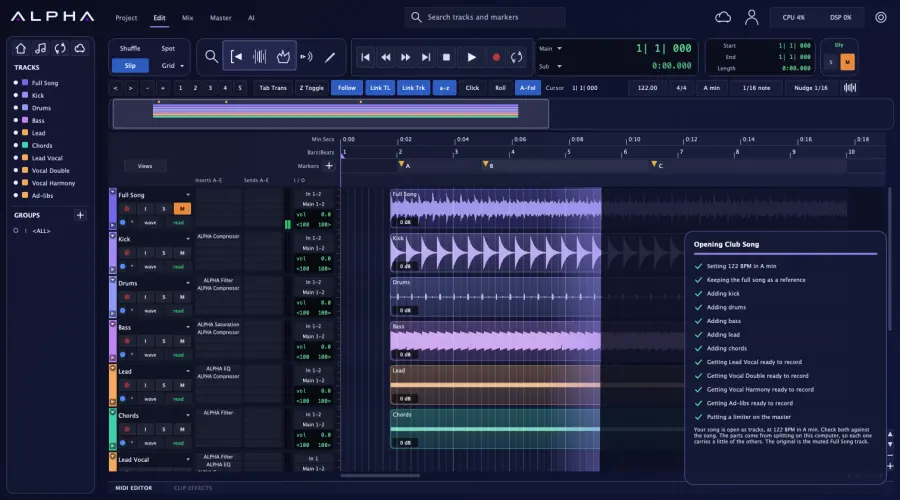
Add your voice and your players. Comp the best takes, edit to the grid and shape every clip with professional tools.
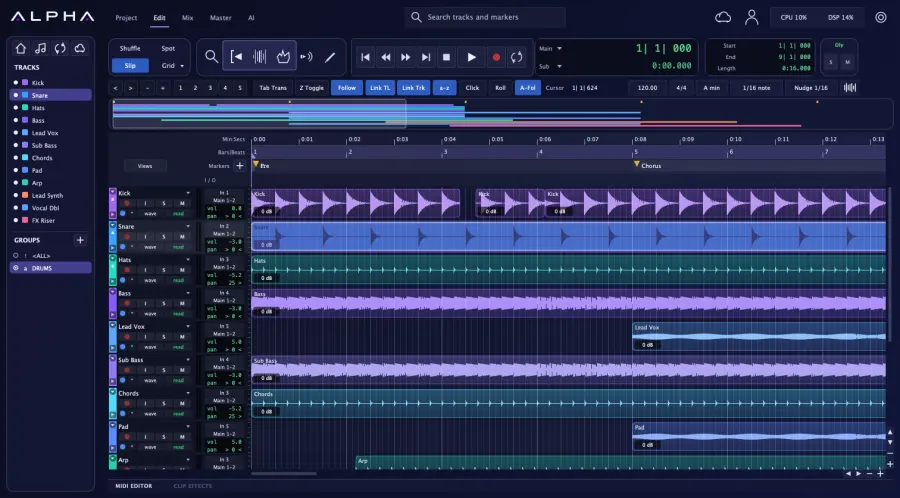
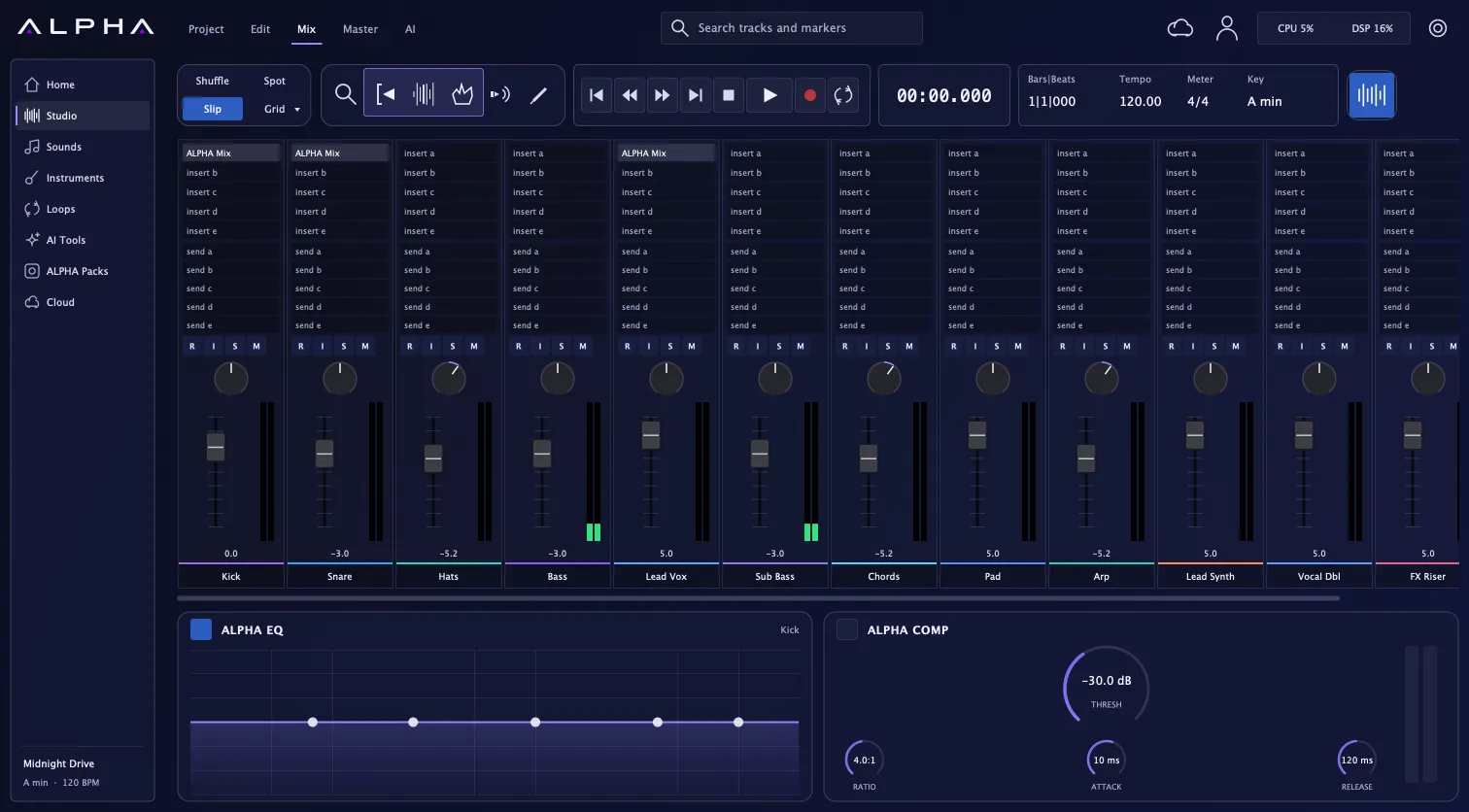
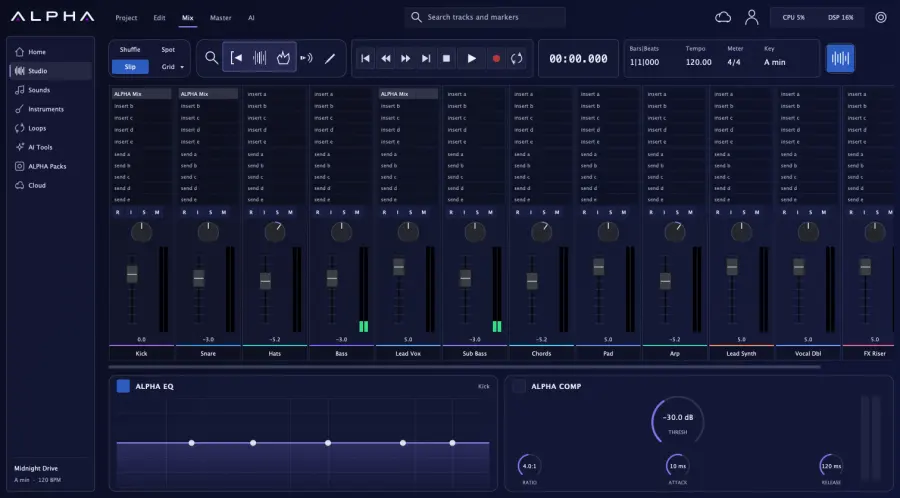
Faders, sends, buses, automation, EQ and compression, with ALPHA Mix on every channel you want it on.
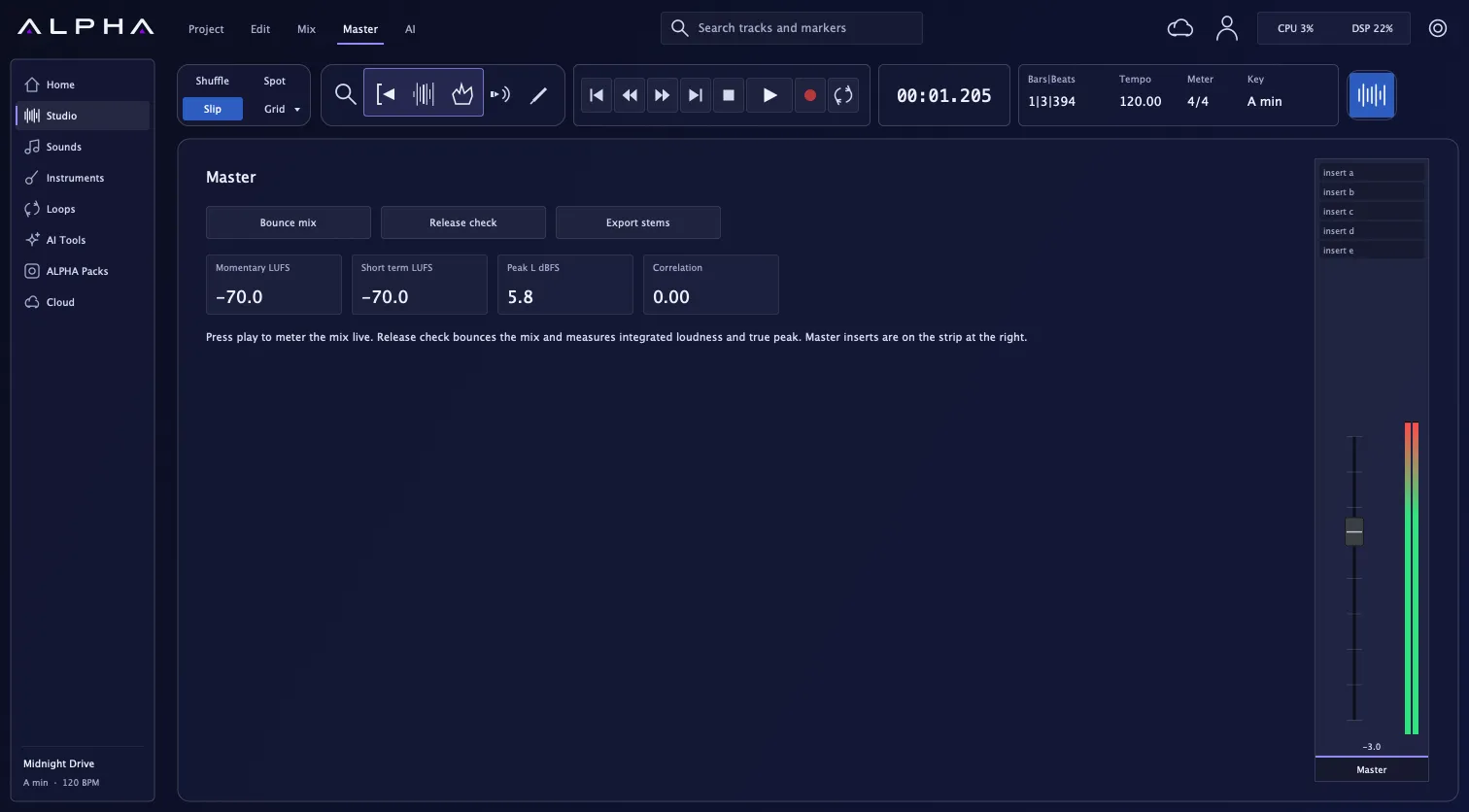
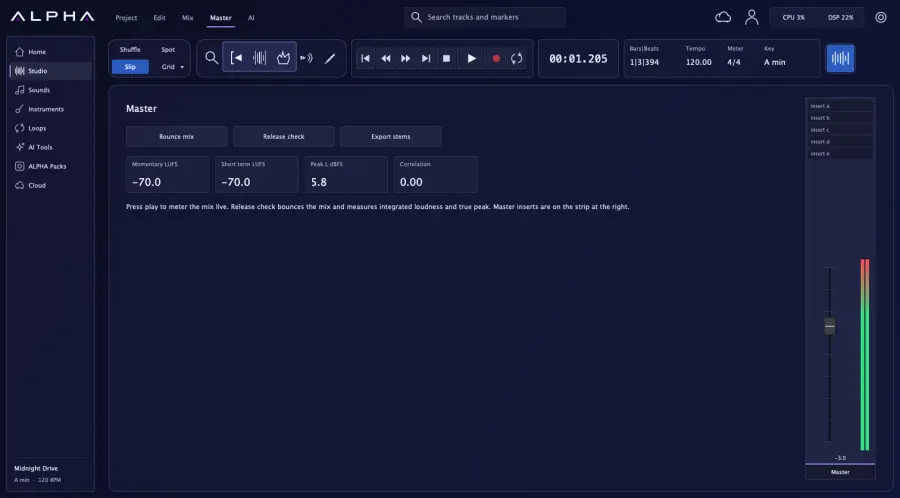
See loudness and true peak as you play. Run Release Check, then bounce your master and stems.
ALPHA AI
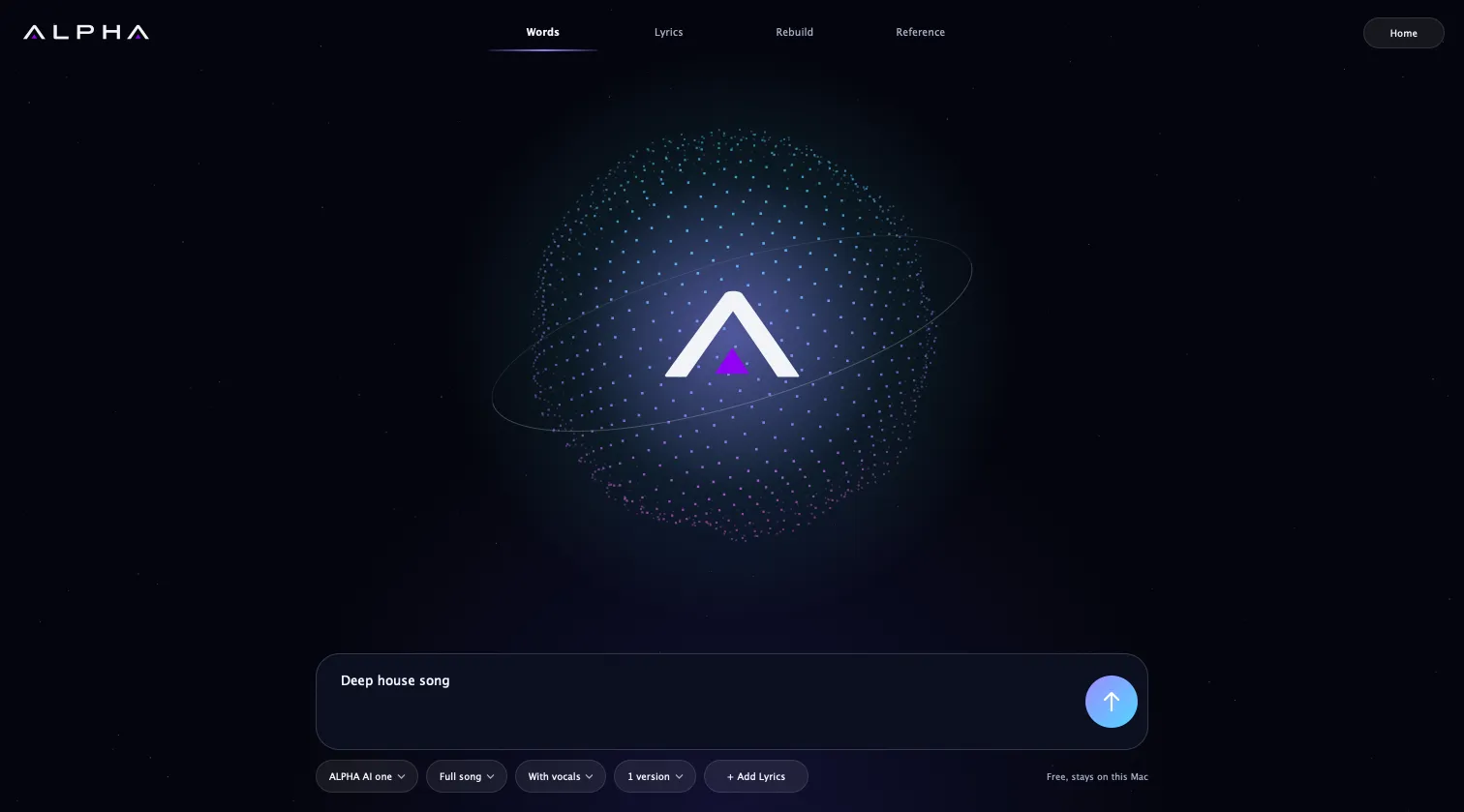
Say the style, the mood and the tempo. ALPHA writes it and plays it back as a full song.
Deep house at 122 BPM, for a Miami rooftop at sunset
Built-in splitter
Not only AI songs. Drop in any audio file you have the right to use, and ALPHA pulls it into six parts, ready to edit. No upload and no waiting in a queue.
Kick · Drums · Bass · Lead · Chords · Air
The DAW
ALPHA is native software built for serious sessions. If you already know Pro Tools, you already know how to work here.
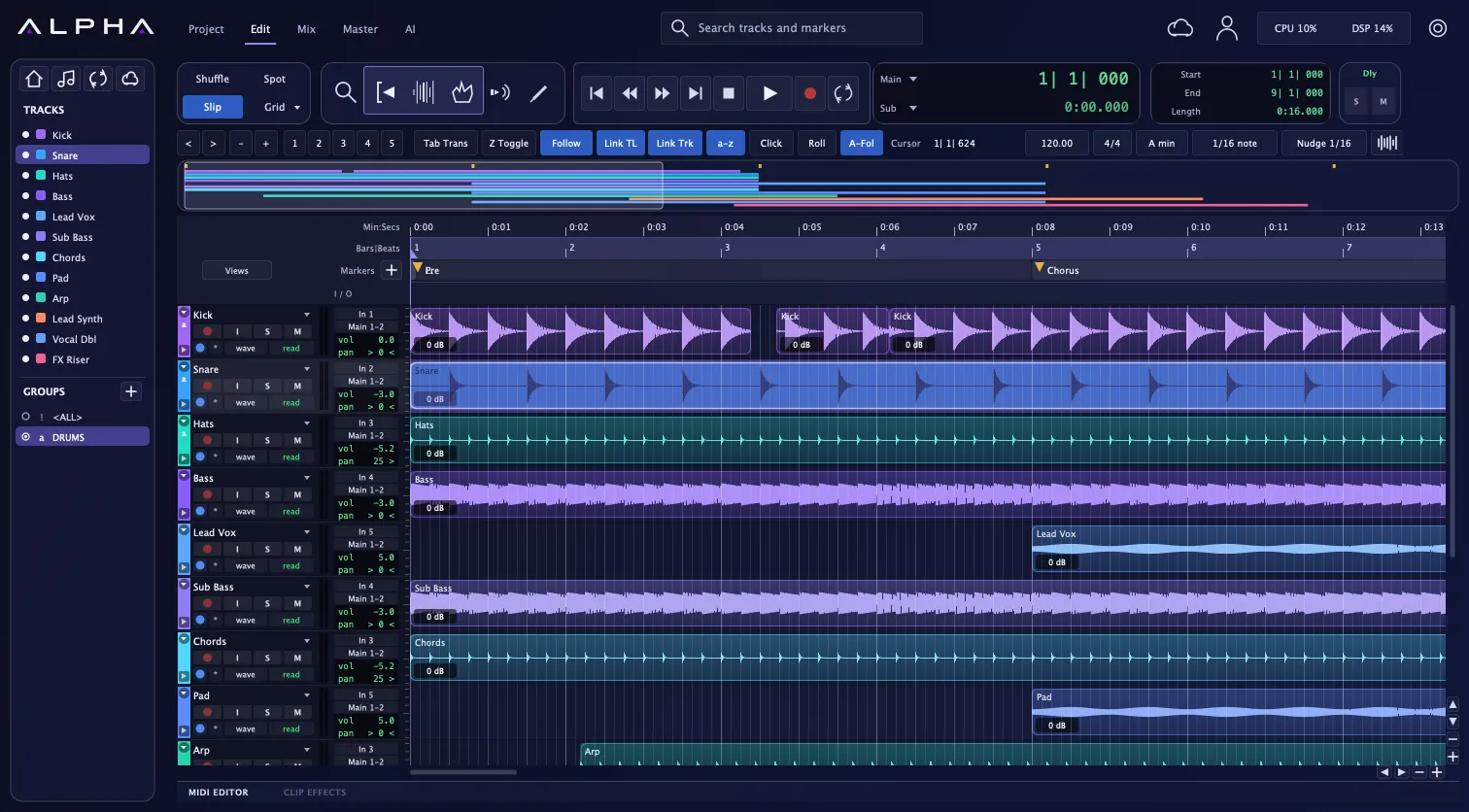
Loop record into playlists, QuickPunch, clip gain, Tab to Transient and a full tempo map.
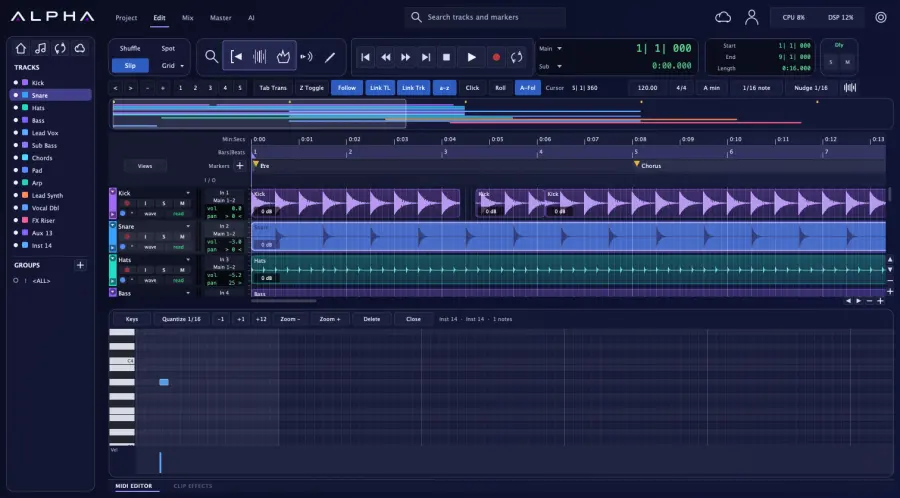
A MIDI editor with velocity and quantize, a built-in synth and drum kit, and your own instruments.
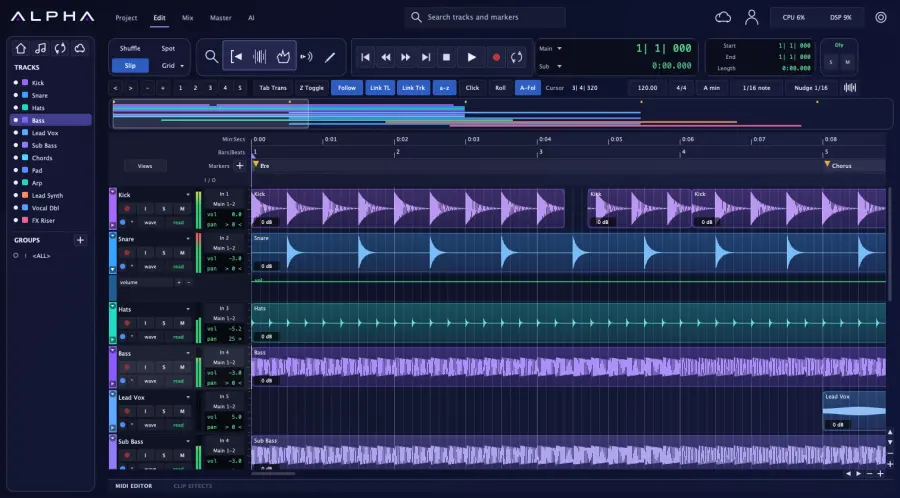
Volume, pan, mute, sends and plug-in parameters, with Read, Write, Touch and Latch.
Your hands already know it.
Familiar tools, edit modes and shortcuts mean you can start working on day one.
ALPHA Plugins
A channel plug-in with profiles for your source and genre, built into every session.
Five bands on every track, right in the Mix window.
Threshold, ratio, attack and release, always one click away.
Use the effects and instruments you already own. ALPHA runs them apart from your session, to protect your work if one fails.
Design
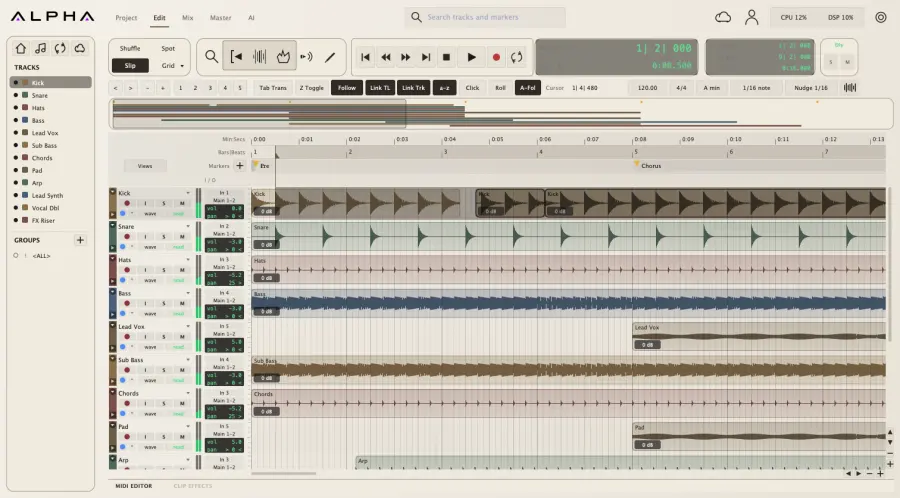
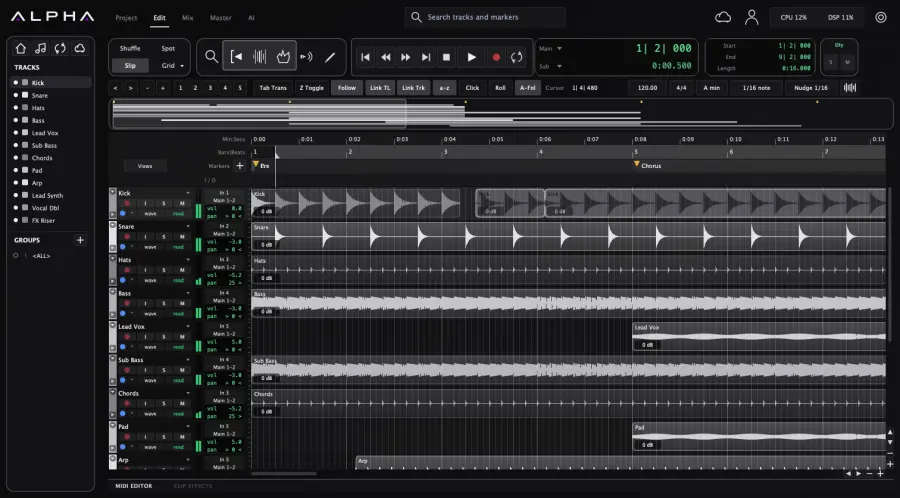
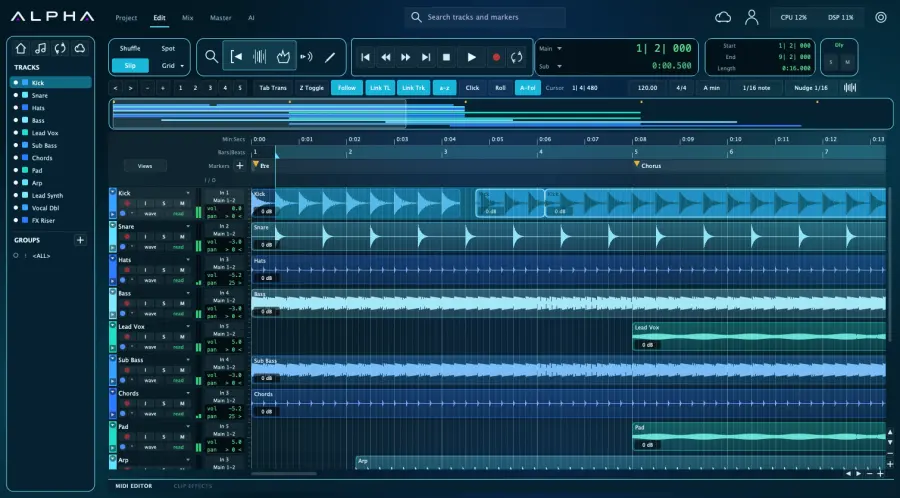
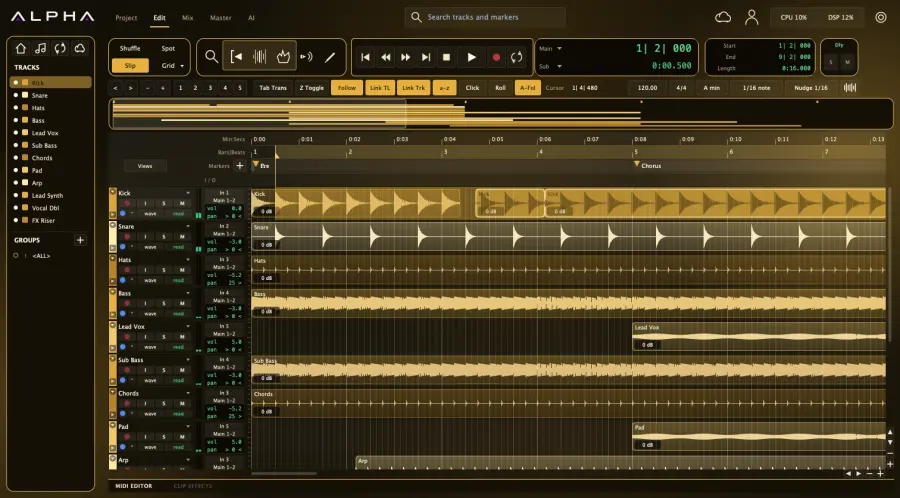
Dark glass by default. Focus Mode when you need it. Ten skins to change the room you work in.
Built in
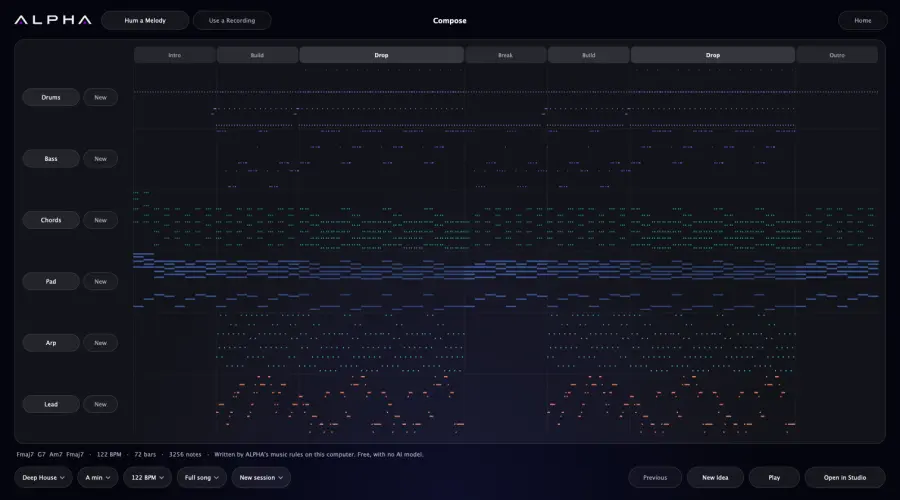
A complete MIDI arrangement in eight styles, written on your computer. Lock the sections you love, and ask for a new bassline without touching anything else.
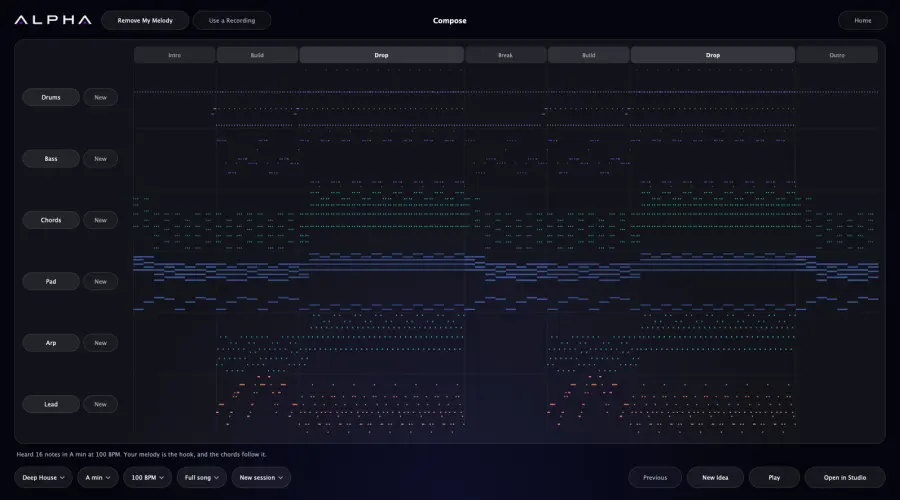
Hum a melody. ALPHA finds the notes, key and tempo, writes chords that fit it, and builds the song around your idea.
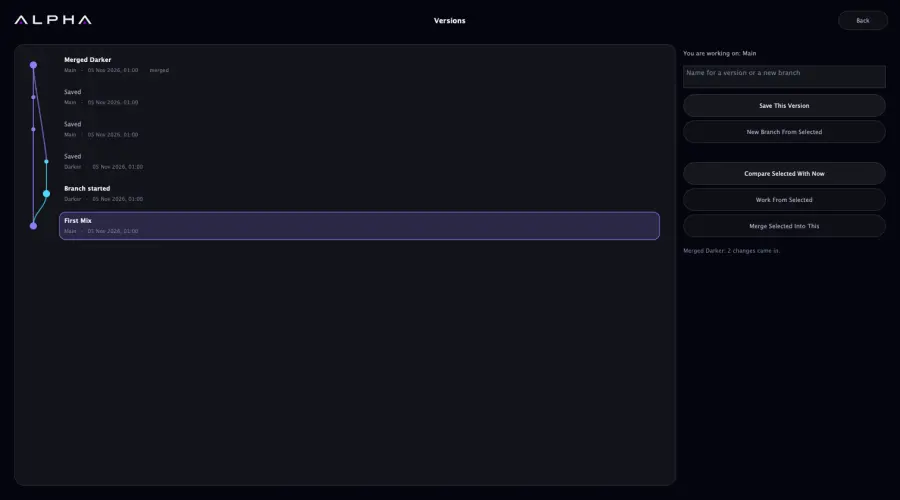
Every save is kept. Branch to try an idea, compare any version with what you have now, and merge the best of both. If both sides changed a clip, you keep both.
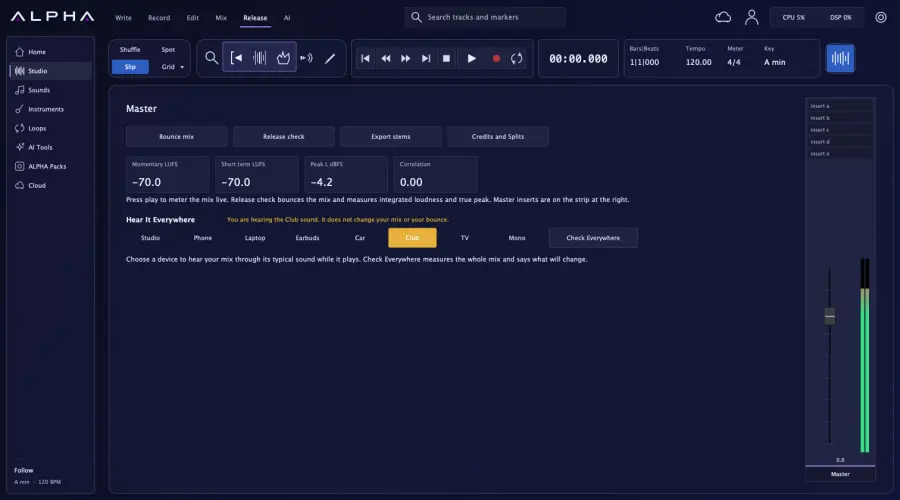
Hear your mix as a phone, laptop, car, club and more would play it, while it plays. Then get a report on what will change. Your bounce stays untouched.
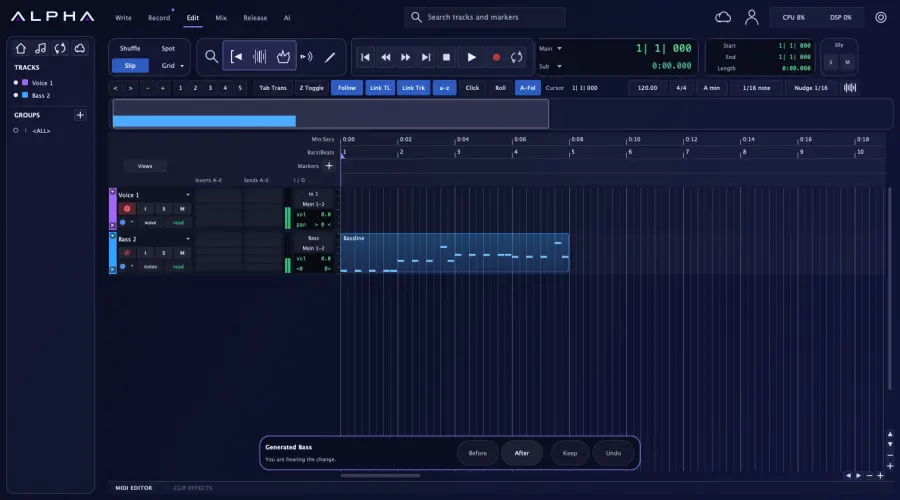
Hear any AI change against the original, at matched levels, even while playing. Keep it or undo it with one click.
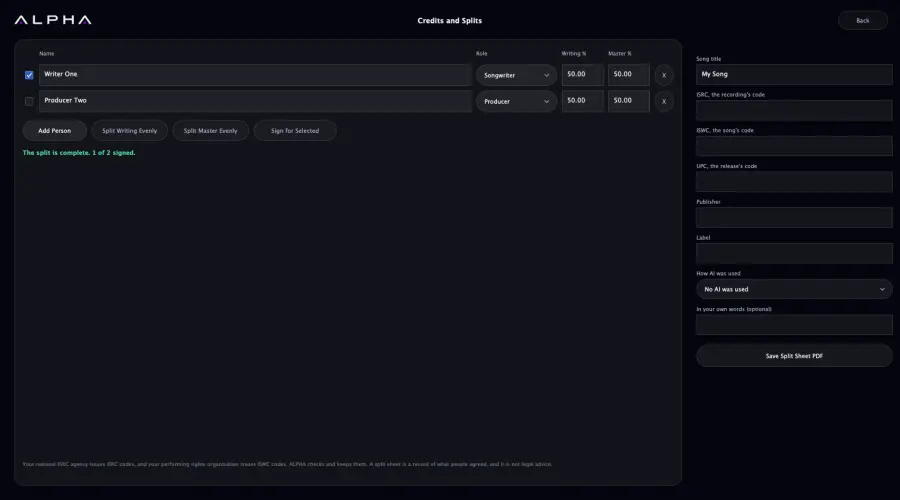
Credits, writing and master splits, checked ISRC and ISWC codes, and a split sheet to sign, all kept with the session. Change a share and everyone signs again.
Also new: clips that follow your tempo and key, regenerating only the part you select, and five workspaces for writing, recording, editing, mixing and release.
Why ALPHA
In development
These are on our build list and not finished yet. Early access members will hear first.
Questions
ALPHA is a music studio for your computer: a professional digital audio workstation, plug-ins and AI in one app. You can start from a sentence, your lyrics or your own recording, and finish with a mastered mix and stems.
Yes. ALPHA's splitter runs on your computer, even offline, and works on any audio file you have the right to use. It separates a song into Kick, Drums, Bass, Lead, Chords and Air, and opens them as tracks.
Yes. ALPHA hosts VST3 and Audio Unit effects and instruments on a Mac, and runs plug-ins apart from your session to protect your work if one fails.
Yes. ALPHA follows the same way of working, including Edit and Mix pages, track headers, edit modes, tools and many keyboard shortcuts. It does not open Pro Tools session files. Bring your audio and MIDI in as files.
The studio, mixing, mastering and the song splitter all run on your computer. Cloud AI models and cloud sync need an internet connection.
The plan is a free core studio, with paid plug-ins and AI credits when you want them. Prices will be published before launch.
ALPHA is in development for Mac. Join early access and we will email you when you can try it. A Windows version is planned.

Be first in the studio. Join early access and we will email you when ALPHA is ready for you.
Only early access news. Leave any time. Read our privacy notice.