Set the direction
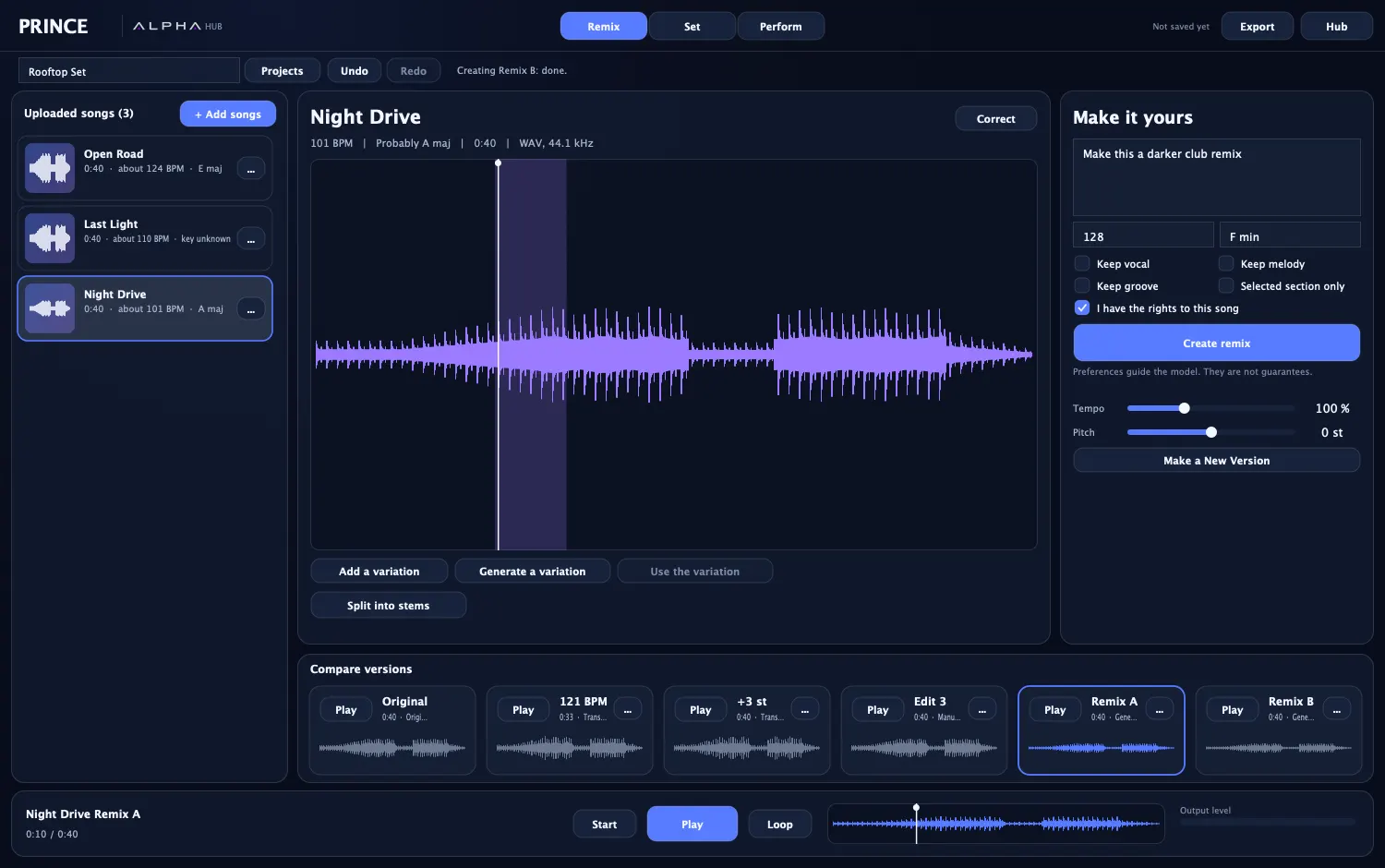
Describe the remix, set a target tempo and key, and choose to keep the vocal, melody or groove. These guide the model, and PRINCE says they are not guarantees.
 Get early access
PRINCE, in the ALPHA Hub
PRINCE is a separate app for DJ remixes and sets. It opens from the ALPHA Hub, with its own projects and its own audio engine, so you never need a Studio session to use it.
Make new versions of a song and compare them side by side. Your original file is never changed. AI remixing is still in testing, and it needs a music model that accepts audio.
Describe the remix, set a target tempo and key, and choose to keep the vocal, melody or groove. These guide the model, and PRINCE says they are not guarantees.
Make a new version at the tempo and key your set needs, right on your computer.
The original, your edits and your remixes sit in one row. Play, rename, duplicate or restore any of them.
The built-in splitter runs on your computer. Parts carry a little of each other, because it does not use a trained model yet.
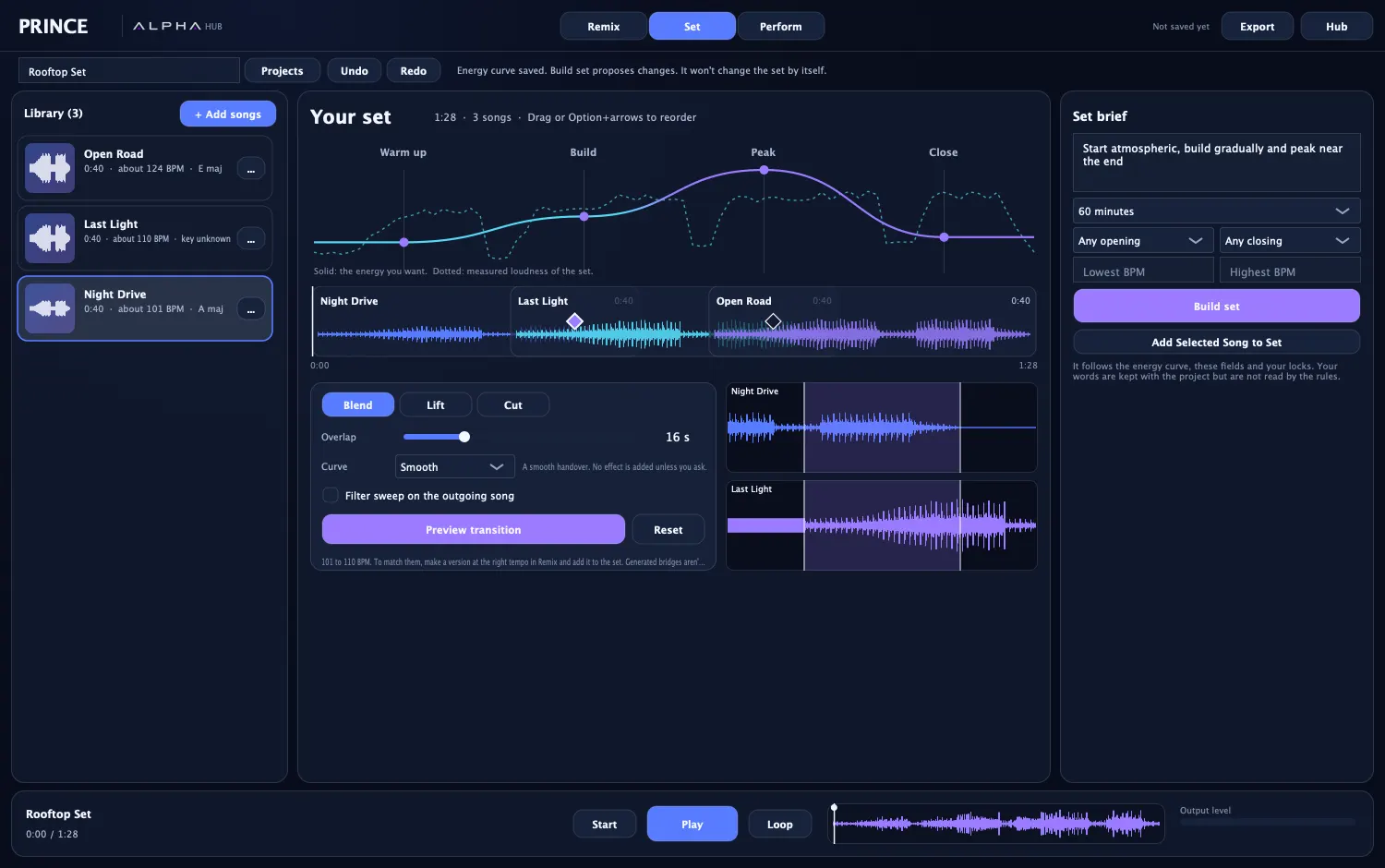
Shape the night first, then fit your songs to it. PRINCE shows what it proposes, and nothing changes until you accept.
Draw the warm up, build, peak and close, and see the set's measured loudness against it.
A rule-based order from energy, tempo, key and your locks, with its reasons shown. It is not an AI recommendation, and PRINCE says so.
Choose Blend, Lift or Cut. Set the overlap and curve, add a filter sweep, and preview exactly that moment.
Ask a music model for percussion, a bass variation, a breakdown and more, then place, level or mute it. You see the cost before any paid model runs.
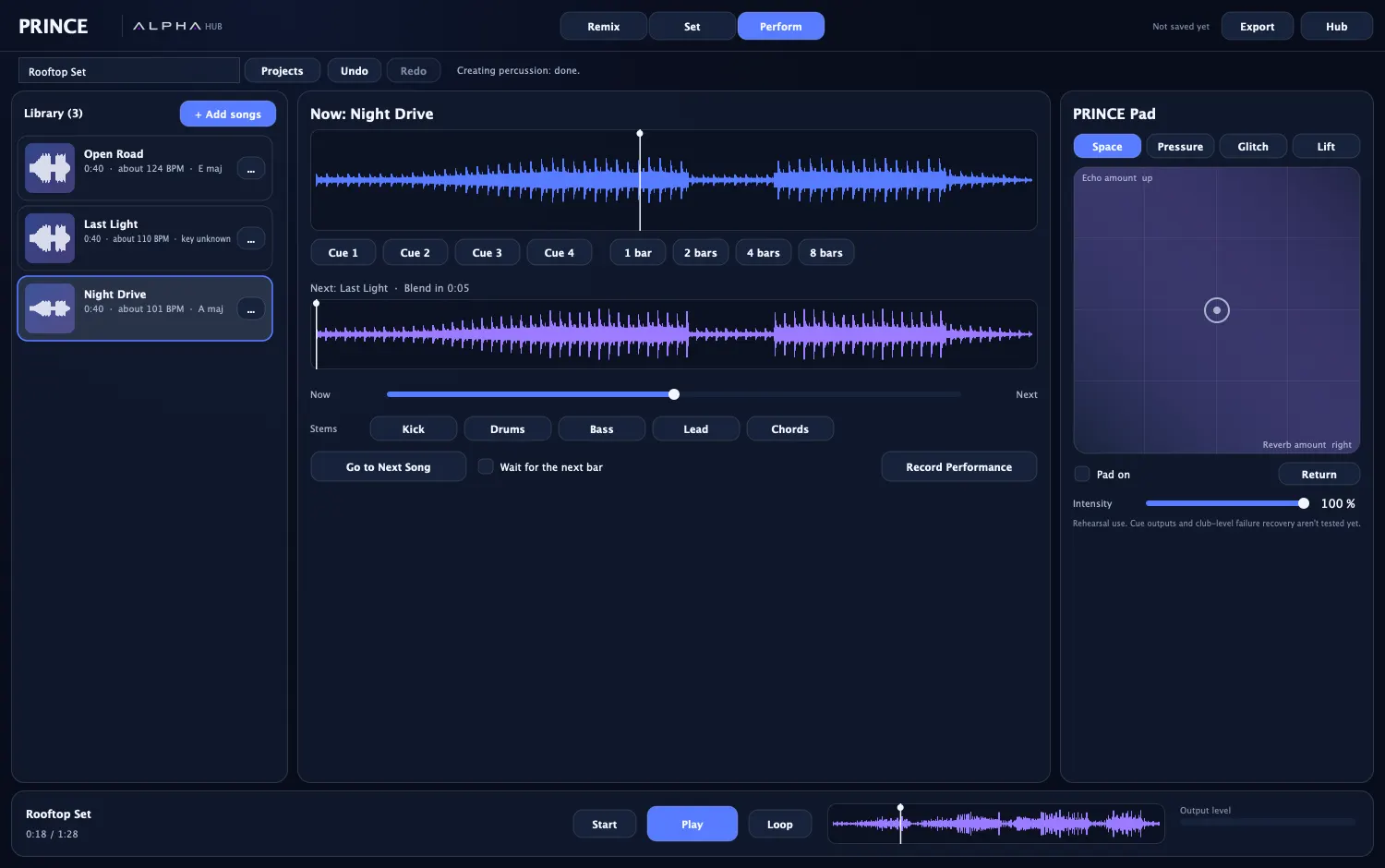
Rehearse the set as one prepared timeline, and record the take.
See both waveforms, move between them with a crossfader, and jump to the next song, on your cue or near the next bar.
Four cue points, plus loops of 1, 2, 4 and 8 bars.
Drop parts of the song out while it plays, once it has been split.
Space, Pressure, Glitch and Lift on one XY pad. It shows what each direction controls, and it always ends in a ceiling, so a move can't jump to an unsafe level.
Take the finished work anywhere.
48 kHz, 24-bit WAV, with a two-second tail so the last sound rings out.
Every song and its start time, ready to share.
Stem files only when the parts really exist, never a stand-in.
PRINCE is in development, and we would rather say so here than have you find out on a gig.
| Today | |
|---|---|
| Club use | Rehearsal only. There are no cue outputs and no DJ controller support yet |
| Decks | One prepared timeline with a crossfader, not two independent decks |
| Next-bar timing | Close to the bar, not yet sample-exact |
| Tempo matching | Not automatic inside a transition. Make a version at the right tempo in Remix |
| Generated bridges | Not yet |
| Stems | From the built-in splitter. A neural splitter is planned |
| Set brief | Your words are saved with the project. The rule-based order follows the curve, fields and locks instead |
No. PRINCE is its own app inside the ALPHA Hub, with its own projects and audio engine. It does not use Studio sessions.
Not for manual work. Importing, tempo and pitch versions, stems, building a set, transitions, the pad and export all run on your computer. AI remixes and additions need a music model.
Only use audio you have the rights to. PRINCE asks you to confirm this before an AI remix.
Not yet. Today it is for preparing and rehearsing a set.
PRINCE comes with ALPHA for Mac, which is in development. Join early access and we will email you when you can try it.
ALPHA AISong splitterPlug-insComing from Pro ToolsThe full story